
Which action in the SAS Visual Analytics Explorer creates Stacked bar charts:
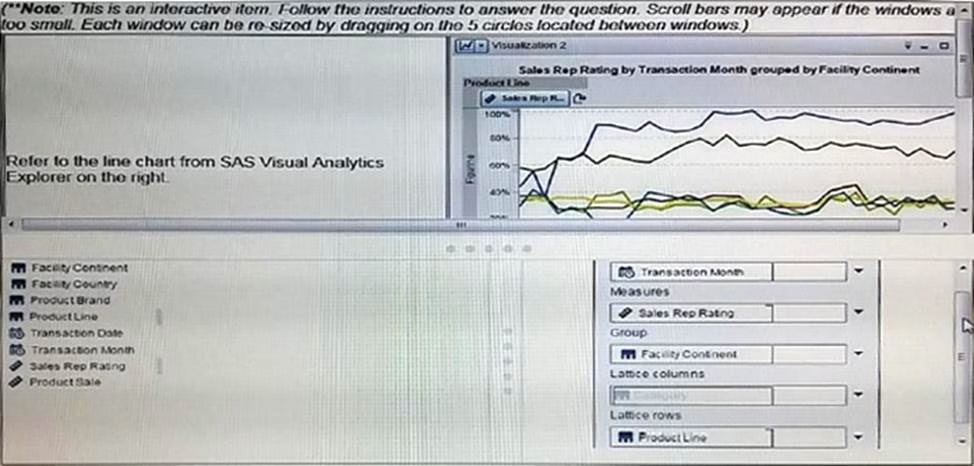
A . Assign a category to the group role, then select stack as the grouping style in the properties tab
B . Assign a category to the Grouping role
C . Assign a category to the Grouping Style
D . Assign a category to the lattice columns, then select stack as the display rule.
Answer: A
Latest A00-470 Practice Questions with 130 Q&As
Updated Study Material | Instant Download | Detailed Answers and Explanations